
At a glance
- Match ticket type and draw date before the number.
- Read full prize headings; front and ending prizes are distinct.
- Keep leading zeroes and check scanned text against the actual ticket.
- Separate checking a number from collecting a prize.
Matching digits are not enough if the result belongs to a different draw. Common mistakes happen before the comparison: opening an old image, confusing front and ending prizes, or missing a heading that was cropped out.
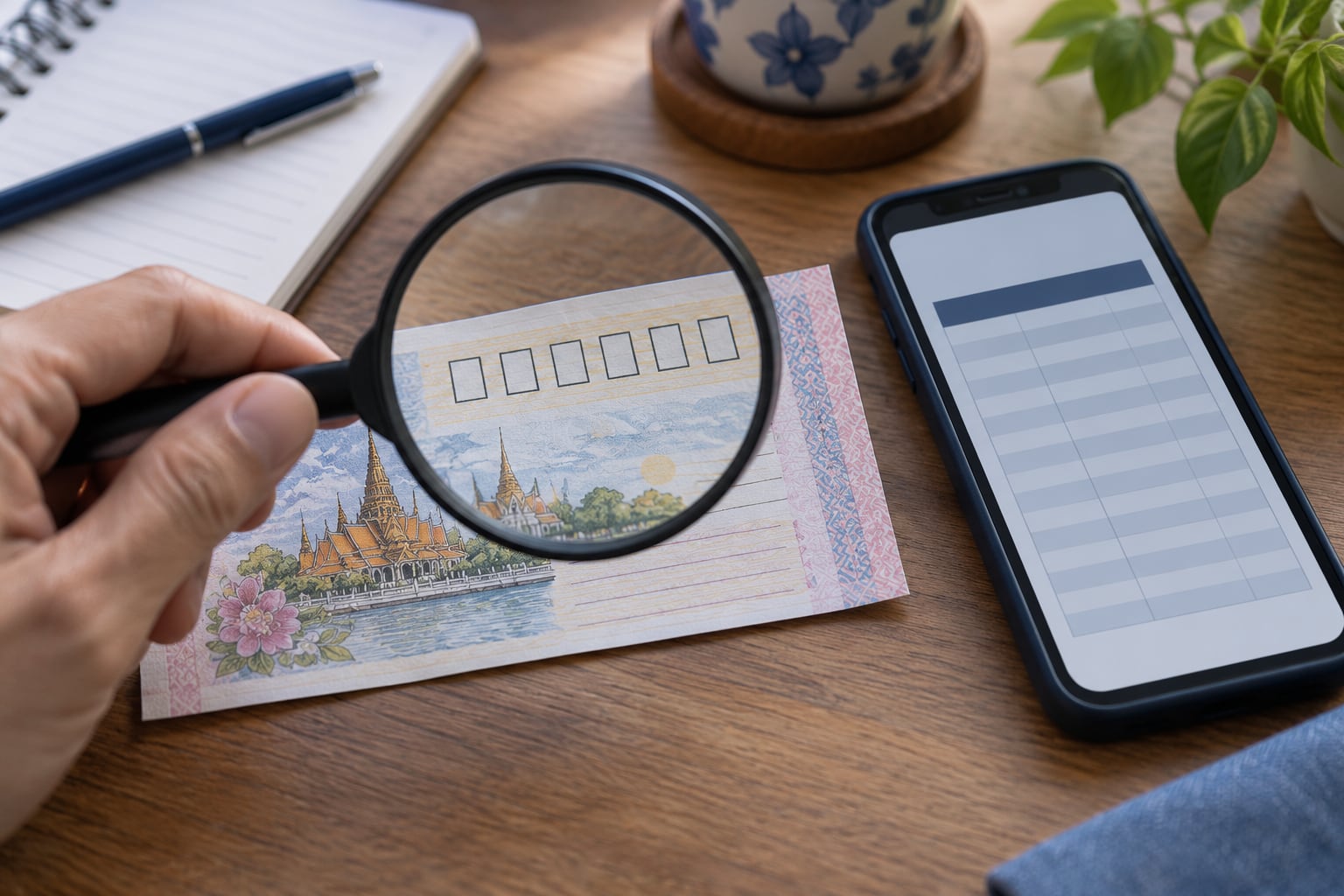
Follow the Government Lottery Office’s form and guidance one step at a time, from ticket type and draw date to the full number and prize heading. Numbers used here are practice examples. If you find a match, check the current collection conditions for your ticket.
Match the draw and prize heading first, then compare every digit on your ticket.
Start with the draw printed on the ticket
Old result images can circulate while readers wait for a new draw. Match the ticket's date to the announcement, rather than using the message's sending date as the draw date.
If a cropped picture hides the draw, open the complete GLO announcement. This reduces errors introduced by copying, retyping or cropping.
Record a complete date including year instead of 'early-month draw'. Full years help distinguish similar-looking tickets and images months later.
Preserve every digit
The hypothetical number 001234 should remain six digits. Writing 1234 changes its format and can create confusion in another system. It is a recording example, not a result.
Image scanning can misread blurred, reflective or obscured digits. Compare the displayed output with the ticket one position at a time.
With several tickets, keep a separate record for each and check that all digits are present. If a six-digit ticket scans as 4927, look at the ticket again rather than guessing the missing zeroes. This helps you tell an entry error from a problem with the results.
Separate prize categories before comparison
An announcement contains several awards. Matching an ending somewhere on the page does not establish the award being checked. Read the heading and full announcement.
A helper page must support the ticket type and selected draw. 'No result found' is not conclusive if publication completeness is still uncertain.
Extracting the last three digits of first prize for study does not automatically make them the separately announced three-digit ending prize. Name each field exactly so transformed numbers are not confused with official categories.
Keep evidence without oversharing
Record the checking date and original announcement link. A screenshot alone may not identify where the information came from.
Use current GLO guidance for documents, collection procedures and deadlines. Share personal or ticket details only through channels whose identity can be verified.
Understand the checking form before entering numbers
The GLO form has year, draw and number fields. A wrong year can select another result even when month and day match. A latest-results page may also be wrong for an older ticket.
Read the ticket date, select its year and draw, then enter the verified digits. Separate records help associate answers with individual tickets. Batch entry still needs a check for omissions or changed order.
If a digit is unclear, inspect the original or improve the image before checking. A tool can correctly answer for a mistyped number while saying nothing about the actual ticket. Tool accuracy cannot repair incorrect input.
Read the whole prize table before choosing a row
The conditions distinguish first prize, adjacent prizes, three-digit front, three-digit ending and two-digit ending categories. A matching number in another position is not the same conclusion.
Write the prize heading above every copied value. A cropped three-digit result needs its full original before use; do not infer the category from what a group usually shares.
For tickets sharing endings, checking a substring should not replace checking the full ticket against all applicable awards. Prize checking and grouping historical endings are different tasks; label your personal table's purpose.
Organiser, helper website and shared image have different roles
The original announcement supplies result and context. A helper form can ease entry. A shared image may show only part of the announcement. Convenience or speed does not establish completeness.
GLO states limitations of internet checking and advises checking complete information again. Online information remains useful, but the process should trace back to the organiser, especially when answers conflict.
A helper may default to the latest draw while the ticket belongs to an earlier one. Correct the selected context instead of trying new numbers until a preferred answer appears. Recording website, year, draw and time explains changed answers.
Draw date and sharing date can differ
The GLO FAQ describes the general schedule and exceptions. Do not construct every draw solely from memorised dates of the 1st or 16th; use actual announcements when dates move. A post date does not verify an image's draw.
Buddhist and Gregorian years can differ between pages and files. Convert explicitly and retain the original date. A consistent display date and unambiguous reference field help prevent mistaken matching.
Before sharing, check product, draw and heading. If the captured image lacks dates present in the original, recapture or attach a dated link. Adding 'today' to an old image creates another error when it circulates later.
After a match, verify the complete evidence
Retain the ticket or its in-system evidence and consult organiser collection guidance. Number checking and payment have different conditions; channel, product and award may require additional steps.
The payment FAQ distinguishes channels and deductions by ticket type, and conditions distinguish government and charity tickets. We do not state one net amount or deadline for every case. Calculations require current, product-specific information.
Keep checking date, original link, product, draw and award. For advice, use a channel verified through the organiser and send only necessary information. Traceability is more useful than publicly displaying every ticket detail.
Check exactly what the publisher is reporting.
Preserve the date, round and source time zone.
Separate prize categories and retain every digit.
Compare sources and observations
Each source answers different questions. This table distinguishes comparable information from details that depend on the original context.
| Source or information | What it answers | What else to check | References |
|---|---|---|---|
| GLO checking page and conditions | Matching draw, number and prize category | Correct input and ticket type | References[1] |
| Draw FAQ | Channels, general schedule and exceptions | Actual dated announcement | References[2] |
| Prize-payment FAQ | Steps and conditions after a match | Product, prize and draw-specific requirements | References[3] |
| Helper website or shared image | Convenient result presentation | Original source, draw, product and full heading |
Questions & answers
Further answers to questions that often arise when reading this topic
Can I start by entering a number alone?
Select ticket type, year and draw first. The same digits can be checked against different draws, so context must match.
After entry, compare each digit with the ticket, especially zeroes and scanned input.
How should 004927 be recorded?
Store the six-digit text 004927 so software does not reduce it to 4927.
This is a hypothetical example, not a winning number. Check every digit and the selected draw.
Are three-digit front and ending prizes the same?
They are separate headings in the conditions. Three digits alone do not identify their position or category.
A picture without a heading is insufficient; open the complete announcement.
What if a website says no prize but a group image says otherwise?
First compare ticket type, draw and prize category, then check the digits against the original announcement.
Do not choose the preferred answer. If the same context still disagrees, retain both records and check complete GLO information.
Are the 1st and 16th always the actual draw dates?
They are general dates described with exceptions and announced changes. Check the actual draw being examined.
Building a table only from a standard schedule can attach a result to the wrong date.
Can the latest result image check an old ticket?
Not automatically. An older ticket needs its own year and draw, which the official form allows selecting.
A newly shared picture can still be old, while a current website can default to the latest draw.
Is the displayed prize the net amount received?
Check ticket type and payment guidance. The FAQ distinguishes stamp duties or taxes by case.
Do not apply one net figure to all products. Consult current organiser guidance before calculating collection amounts.
Do charity tickets share every condition with ordinary tickets?
Are digital tickets connected to every online lottery website?
Online alone does not identify organiser or product. The GLO digital-ticket FAQ concerns its own service scope.
Check a third-party page's product and relationship to the organiser rather than relying on a digital label or logo.
What should I retain after checking?
Keep checking date, draw, prize name and original link with the ticket or personal evidence.
Screenshots help memory, but should show date and category. A cropped image should not be the only evidence.
Sources and their scope
- Government Lottery Office — Checking results and ticket conditions ↗
Year, draw and category fields and internet-checking limitations were reviewed. This citation does not republish live prize results.
- Government Lottery Office — Draw FAQ ↗
Checking channels, general schedules and exceptions still require the actual draw's announcement for its date.
- Government Lottery Office — Prize-payment FAQ ↗
Collection channels and deductions depend on product, draw and award. Check current guidance before taking action.
- Government Lottery Office — Digital lottery FAQ ↗
Explains the scope of the organiser's digital service, rather than rules for every private website using the word online.
Sources checked on 10 October 2026 · Original sources may change